Free Resume Builder — Download Your PDF for Free
Download the finished PDF — Standard or with metadata, US Letter or A4. No payment and no download limit.
Free PDF · Standard or metadata · Unlimited downloads
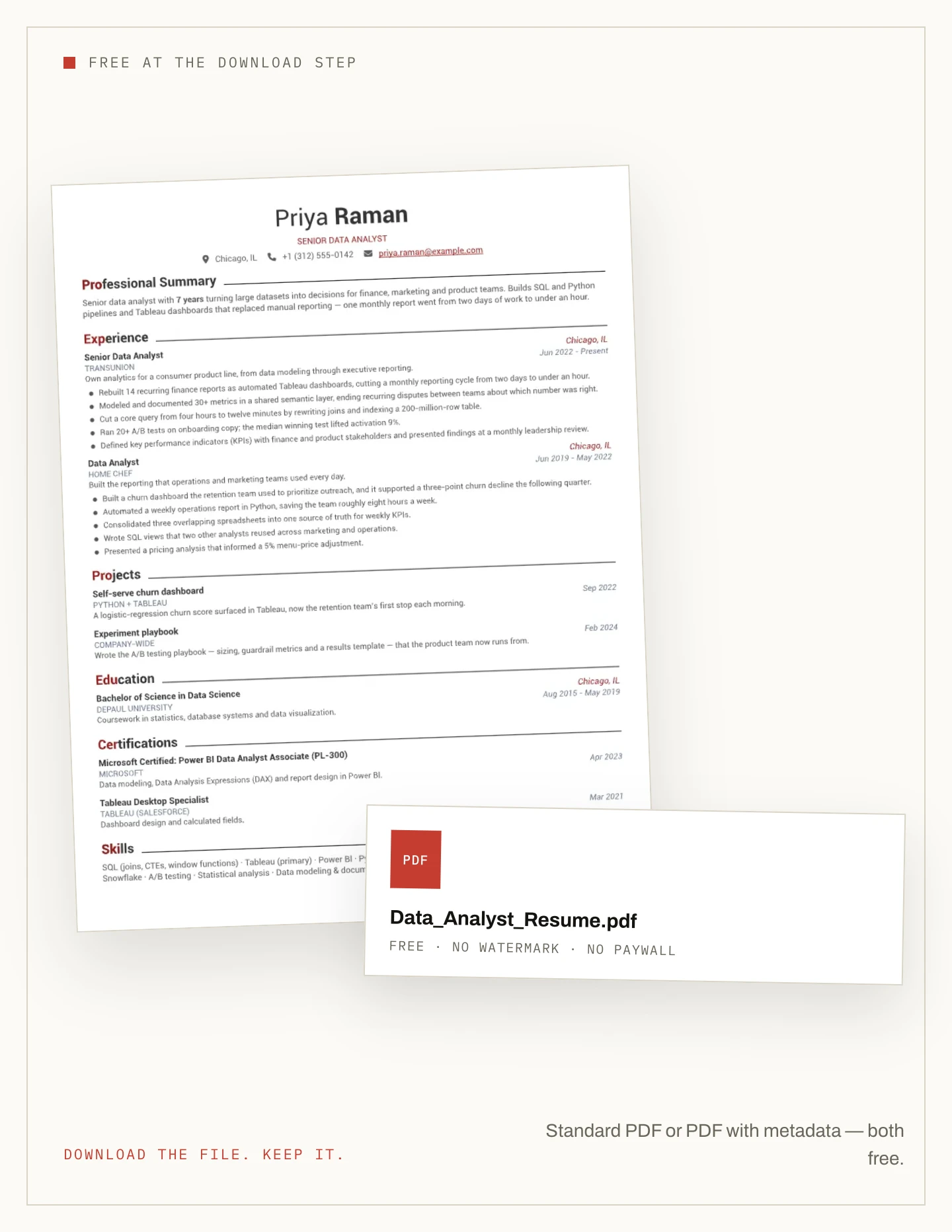
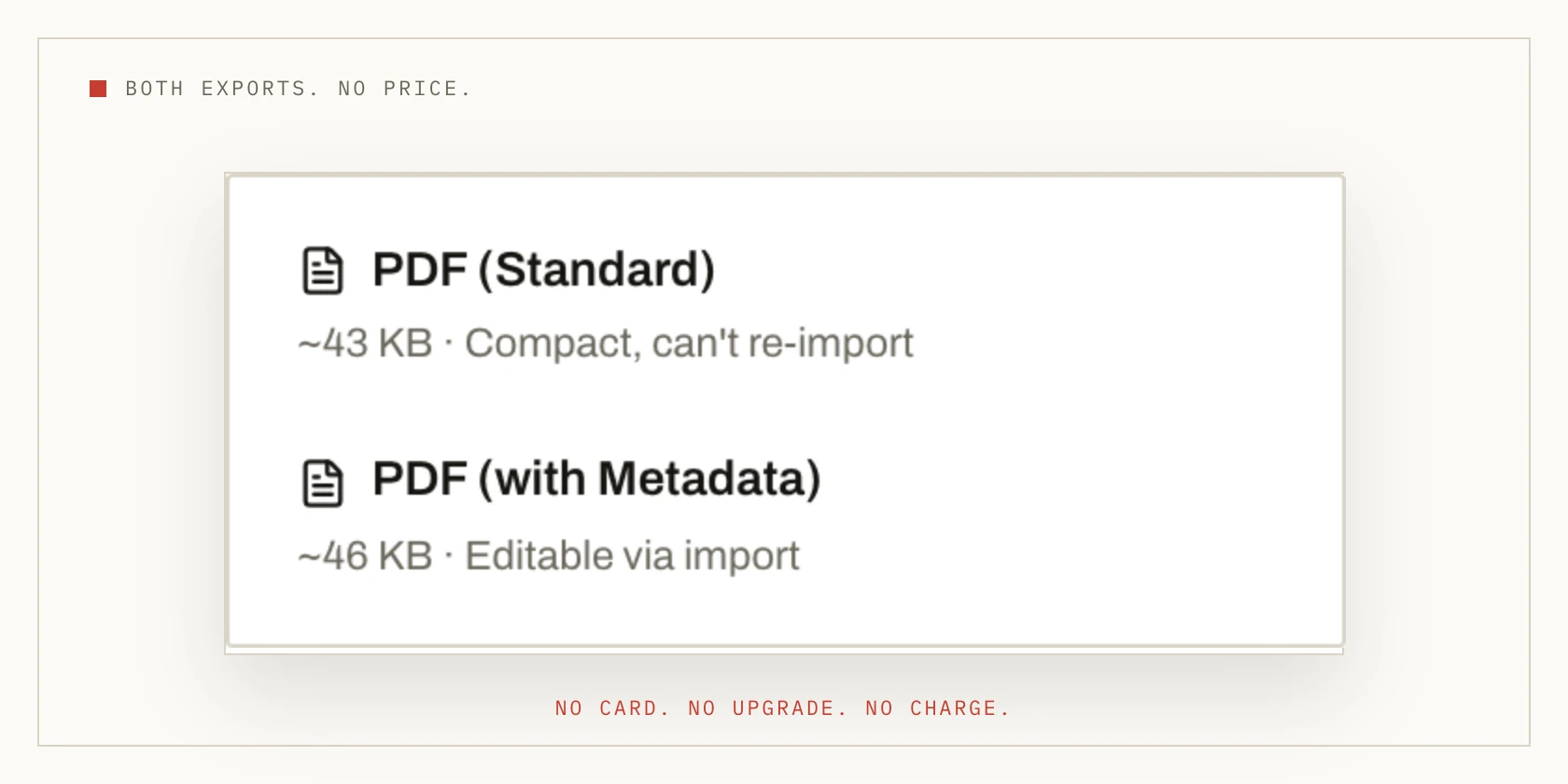
Two free formats
Download both PDFs — completely free
Click Download in the top-right corner and you get two ways to save your resume. PDF (Standard) is a compact file — ideal for uploading to a job application. PDF (with Metadata) keeps your details editable, so you can re-import the file and carry on editing later.
Both are included at no cost. Download one, or both — the choice is about the file you need, not a paid tier.
No limit
Download as many versions as you need
Edit the resume and download a fresh PDF whenever you want. There is no download counter and no paid re-export. Keep one master file or a version for each application — the source stays editable.
There is no payment at the download step; the cost model is covered on the no-payment page.
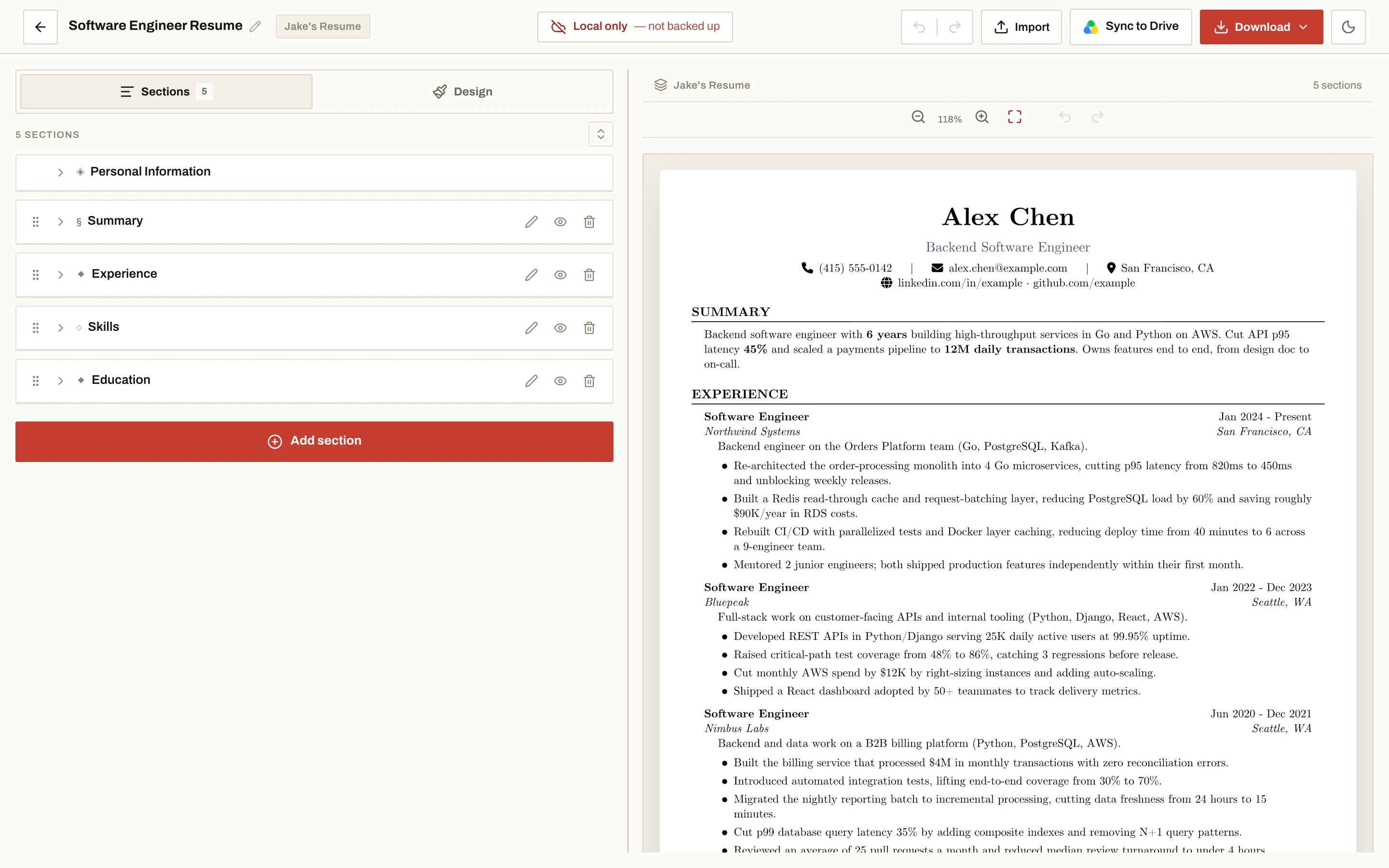
Three steps
How to download your resume as a PDF
-
Pick a template
Start at the editor and choose a template — or open a role sample to see a finished resume first.
-
Write and choose the file
Fill in your details, then choose US Letter or A4 and PDF (Standard) or PDF (with Metadata).
-
Save the PDF
Click Download and the file saves straight to your device. There is no payment screen anywhere in the flow.
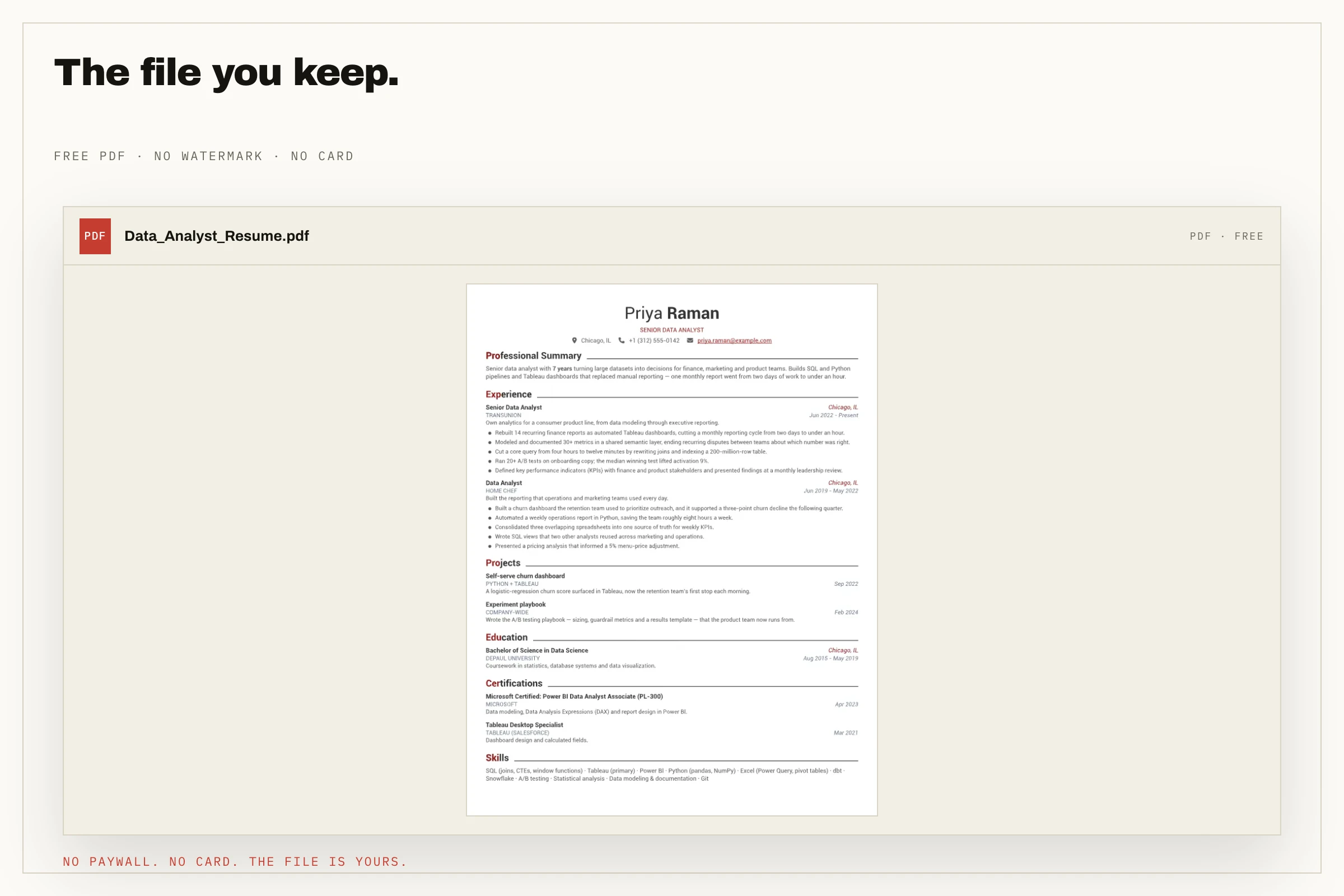
What you get
What you get in the free PDF
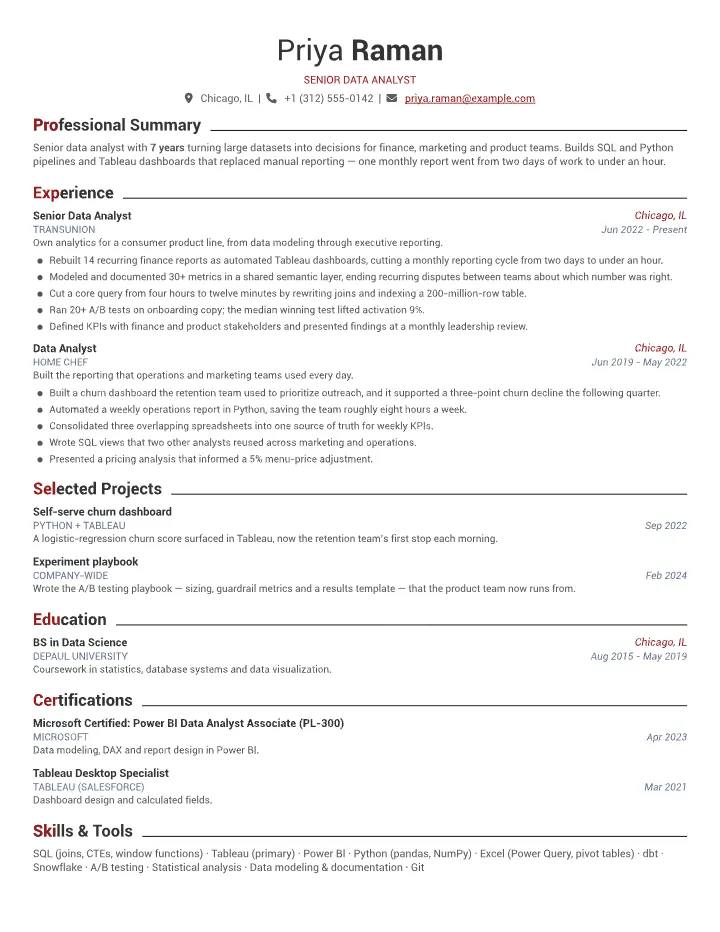
The download isn't a preview or a locked file — it is your finished resume.
- Single- or two-column layout — your choice
- Real, selectable text — not a flattened image
- US Letter or A4 paper size
- Re-editable with the metadata PDF
There is no watermark or branding; the watermark page covers exactly what is left off. Browse resume samples by role, or start from a blank one in all templates.
Downloading a resume for free — questions
Is NoCapCV really free to download?
Yes. You build the resume and download it as a PDF at no cost. There is no paywall at the download step and no paid tier to unlock it.
Is there a limit on how many times I can download?
No. You can download as many times as you like, and edit the resume before downloading another version.
What formats and paper sizes are available?
PDF (Standard) and PDF (with Metadata), on US Letter or A4. Standard is the compact file for applications; the metadata version keeps the resume re-importable.
Can I edit my resume after downloading it?
Yes. The source stays editable in NoCapCV. With the metadata PDF you can also re-import the file and continue from the downloaded copy.
More features
Other promises NoCapCV keeps
Write it once. Send it everywhere.
Start from a blank page or one of 19 templates. Export as many versions as the search requires.