Free Resume Builder — No Sign-Up Required
Open the editor and start writing. No account, no email, no password — your resume stays in this browser.
No account · No email · No password
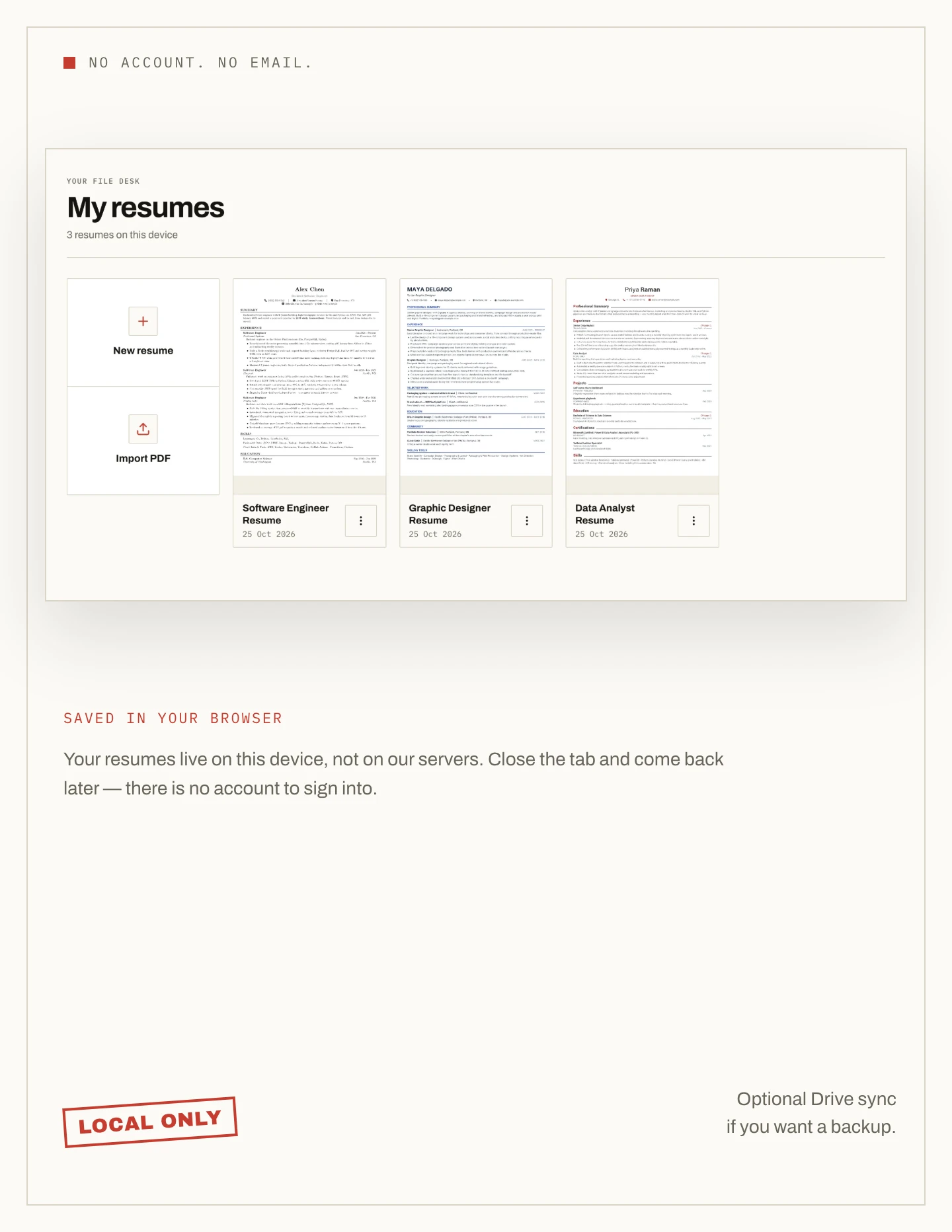
The account wall
There is nothing to sign up for
NoCapCV opens straight into the editor. There is no email form, no password to create and no verification link before you can write. The only sign-in the product offers is optional Google Drive sync.
- No email address required
- No password or verification step
- No account to start or download
- No login screen in front of the editor
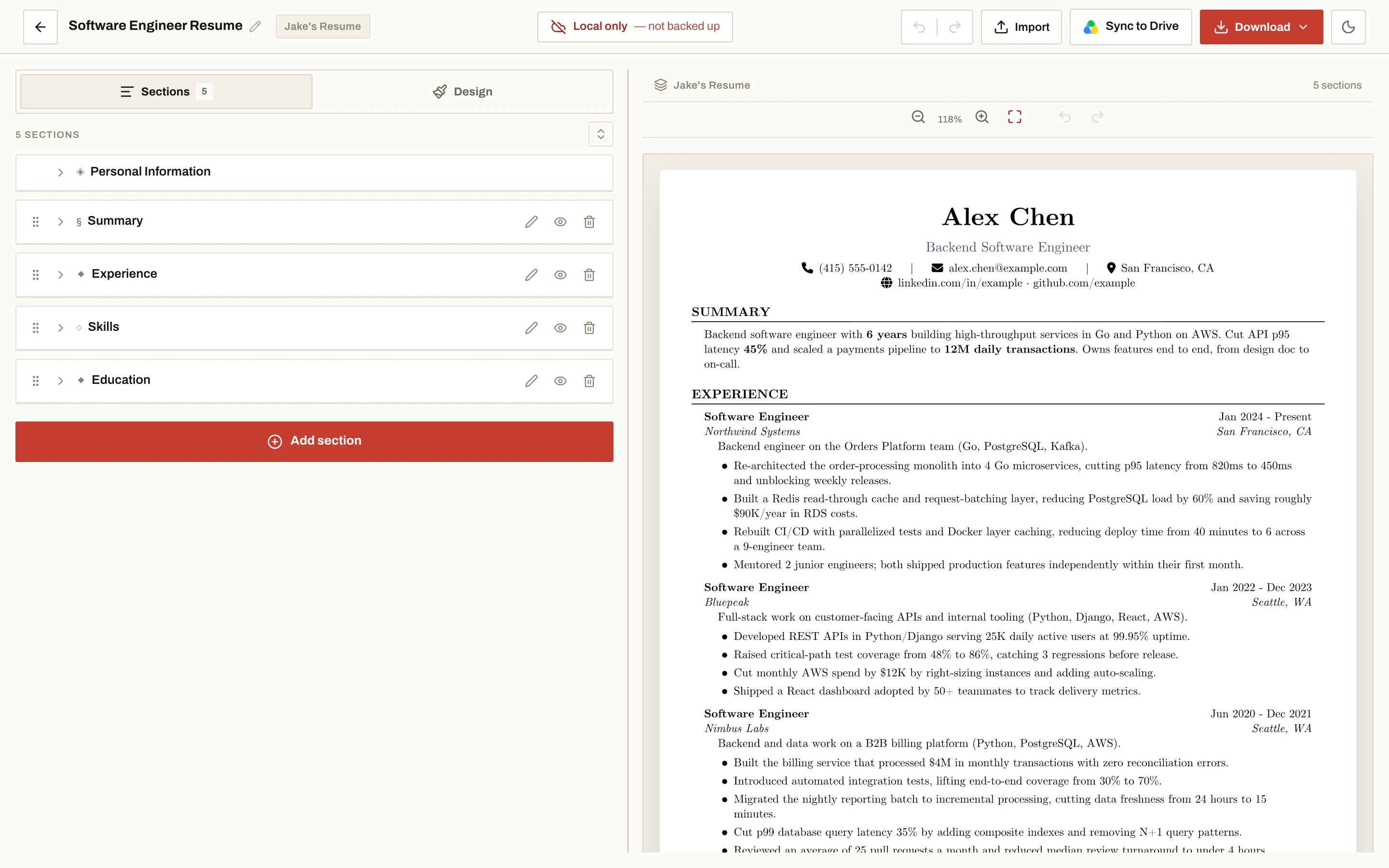
Where the file lives
Your resume stays in this browser
Resumes are saved in your own browser on this device, not on a NoCapCV account. Close the tab and come back later and it is still there. Because it is local, clearing site data or switching devices will not bring an unsynced resume with you.
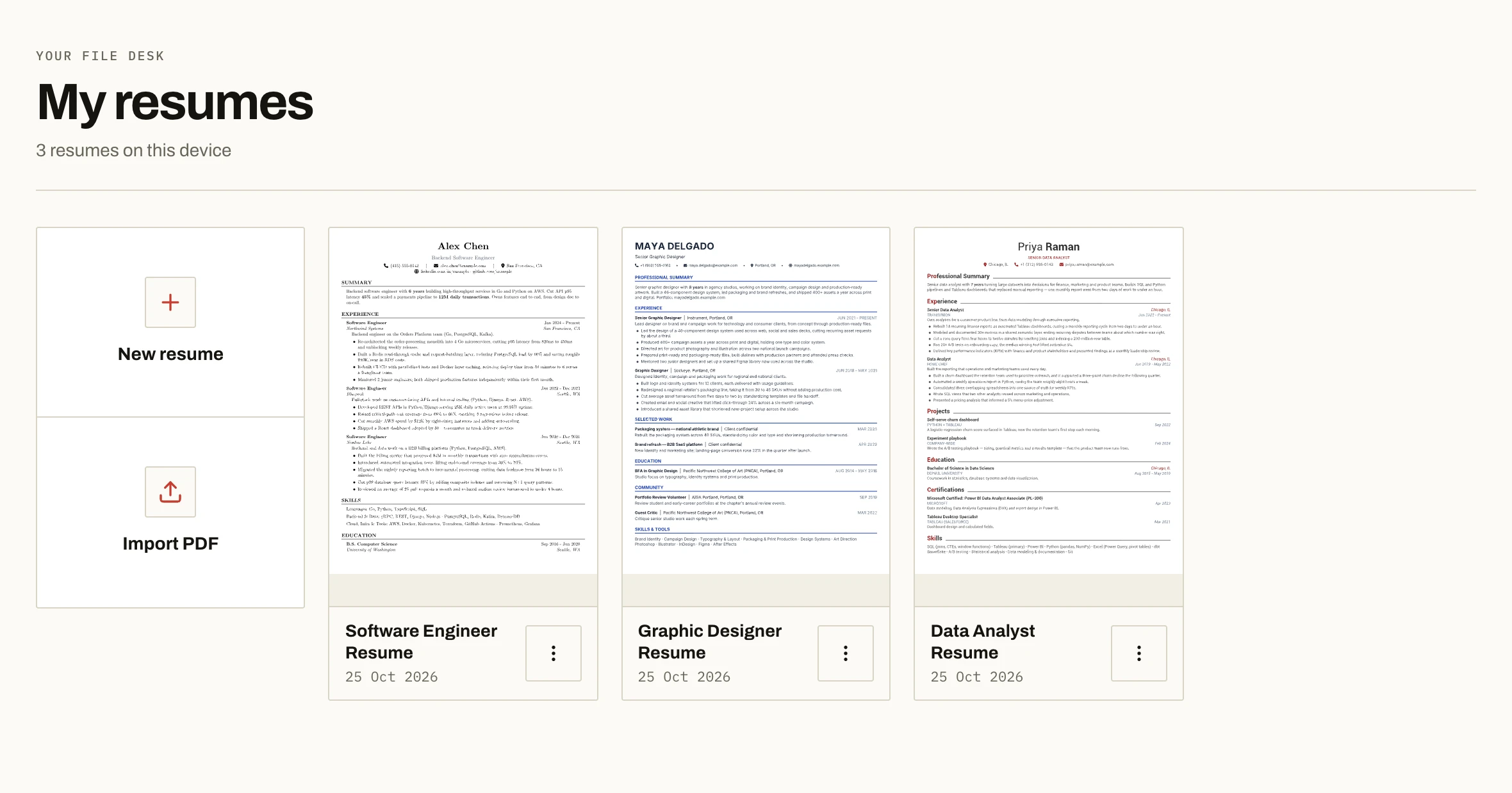
Optional sync
The only sign-in is your own Drive
If you want a resume on another device, connect Google Drive. The file goes into your Drive, not ours, and the builder, templates and download keep working without it. Nothing is required.
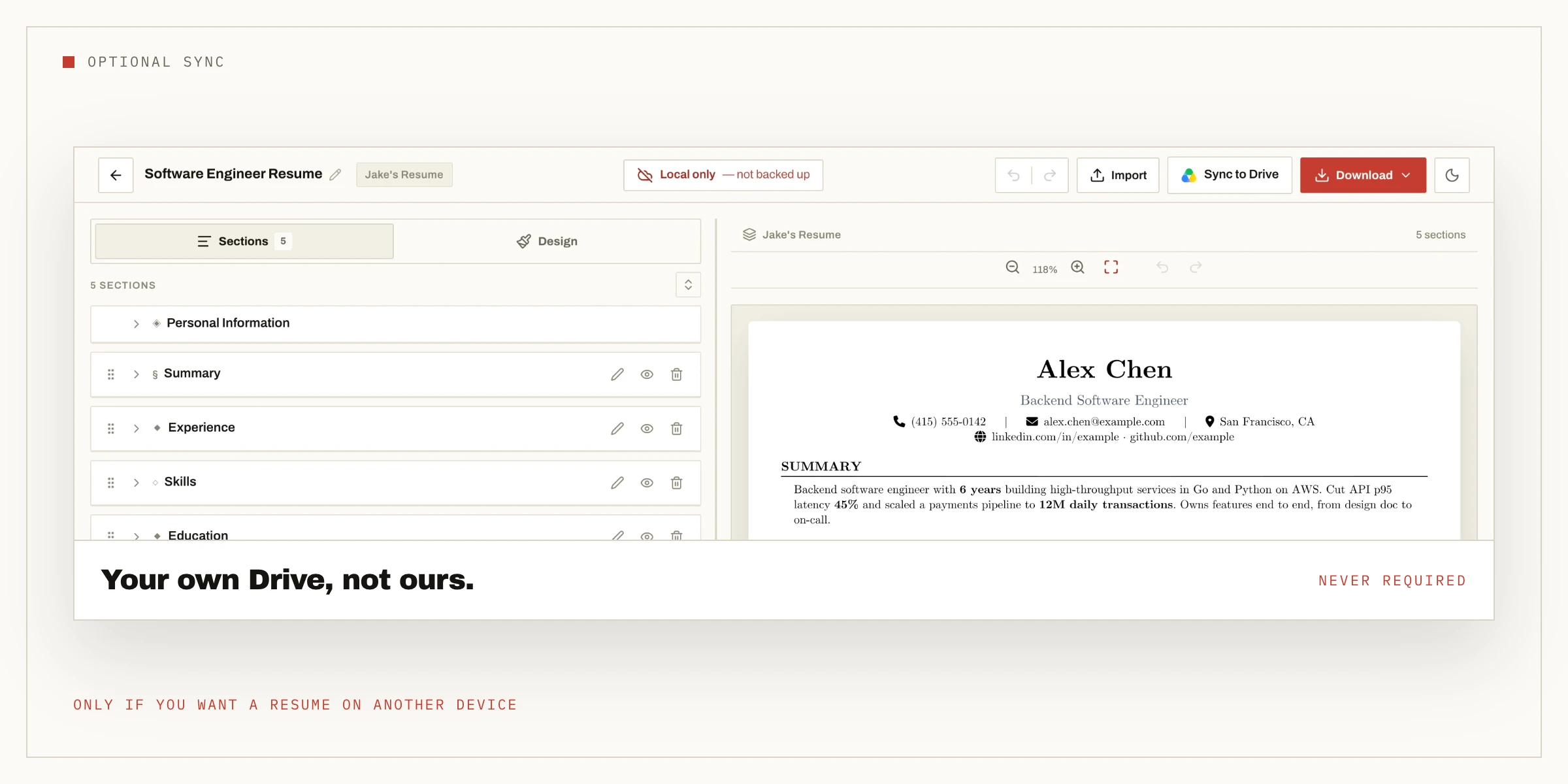
Building a resume without signing up — questions
Can I build a resume on NoCapCV without signing up?
Yes. The builder opens straight into the editor with no sign-up step. You can write the whole resume and download it as a PDF without creating an account.
Do I need an email address to use NoCapCV?
No. NoCapCV does not ask for an email address to build or download a resume. You can use the entire builder and export the PDF without providing one.
Will my resume be lost if I do not sign in?
Your resume is saved in your browser on this device, so it is still there when you come back. Clearing site data or switching devices will not bring an unsynced resume with you. Signing in is only for optional Google Drive sync.
Why would I sign in at all, then?
Only if you want your resumes synced across devices through your own Google Drive. The builder, the templates and the download all work fully without it.
More features
Other promises NoCapCV keeps
Write it once. Send it everywhere.
Start from a blank page or one of 19 templates. Export as many versions as the search requires.