Free resume builder
The Resume Builder With Zero Paywalls.
No subscriptions. No trials. No watermarks. Just pixel perfect resumes — every template and feature, free, forever.
Unlimited exports · No watermark · Works offline
Features
Every export is yours. Nothing is gated.
NoCapCV is free with no paywall at any step. Every template and every export is available without a subscription, a trial, or a watermark, and you can export as many PDFs as you need. Non-intrusive ads beside the editor fund it.
Unlimited free exports
Download as many high-quality PDFs as you need. No watermark, no trial, no paywalled export at the last step.
Local-first by default
Your resume lives in your browser. No account, no server copy — you can work fully offline.
Cross-device sync
Optionally connect your Google Drive and open your resumes on any device — start on your laptop, finish on your phone.
Templates
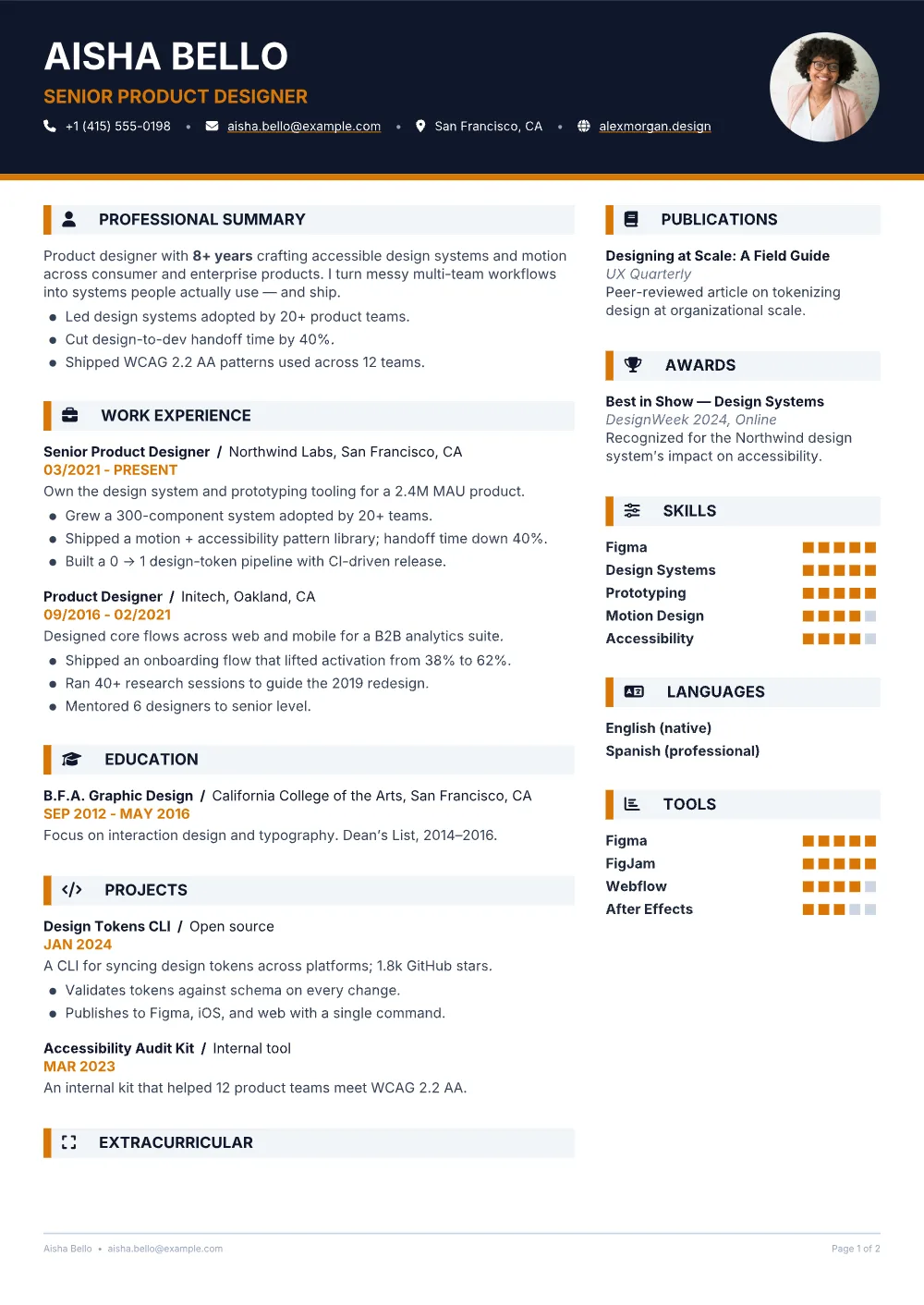
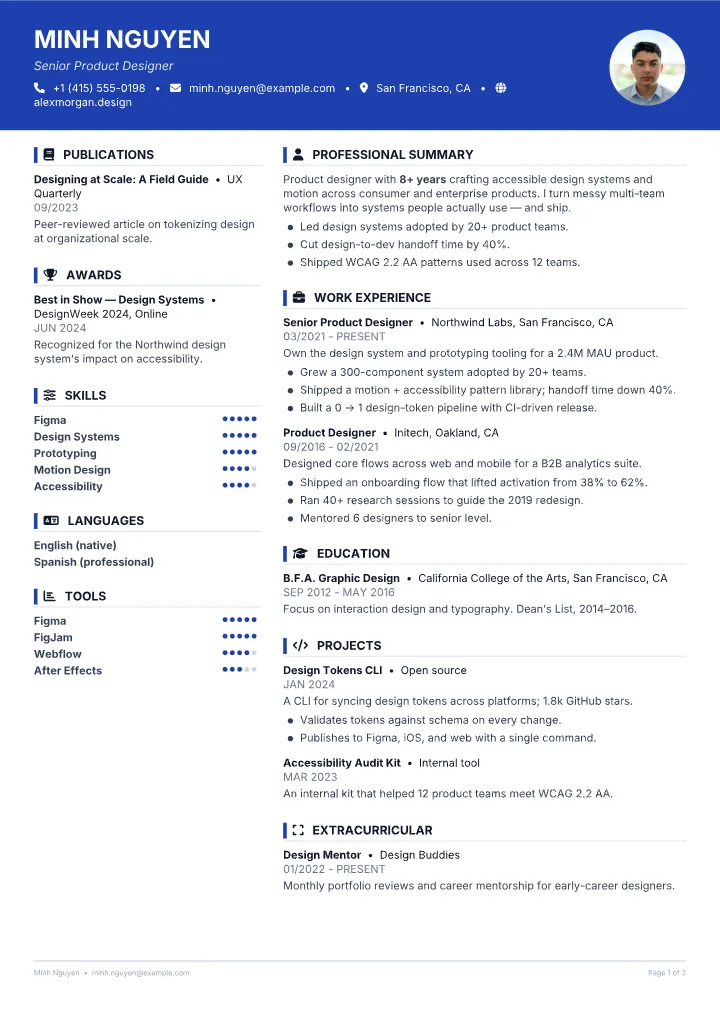
Start from a template you like.
Every NoCapCV template is free and fully customizable. Pick one to start, then change the accent color, font, size, spacing, and section order. Your resume is saved locally as you edit, and you can export a clean, ATS-friendly PDF whenever you're ready.
Every template is fully customizable —
FAQ
Frequently asked questions
Yes. Every export is free and unlimited — no watermarks, no trial period, and no paywalled download button at the last step.
There isn't one. NoCapCV is funded by non-intrusive ads shown to the side of the editor. No feature is hidden behind an ad or a paywall — everything stays free and unlimited, and the ads never interrupt your work.
No. You can build and export a resume completely without an account. Your work is saved locally in your browser; signing in is only needed for optional Google Drive sync.
When you turn on sync, your resumes are saved into a NoCapCVResumes folder inside your own Google Drive. Nothing is stored on our servers — you own and control the files.
Yes — and you choose how to export. Pick the compact Standard PDF (can't be re-imported), or the PDF with Metadata, which embeds your resume data so you can import it back and keep editing — photos and formatting included.
Your next resume, in minutes.
Free to build, free to export, free forever. No sign-up needed to begin.