Free Resume Builder — No Watermark on Your PDF
Your PDF is the document you wrote. No watermark, no logo, no footer, no page stamp — nothing added.
No watermark · No logo · No footer text
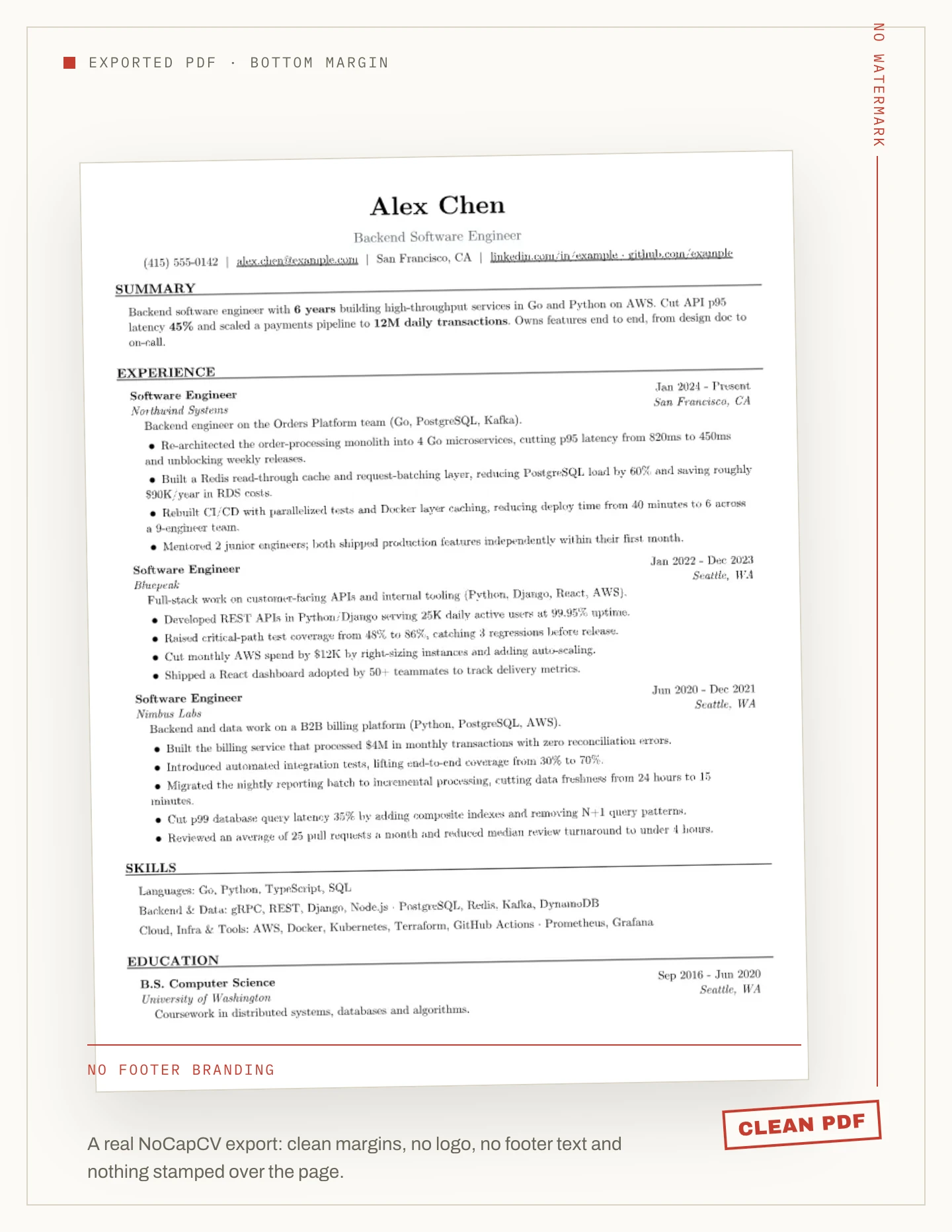
The exported page
What is not on the page
NoCapCV does not stamp a mark over the resume, put a logo in the corner, add a footer line or place branding in the margin. There is no “made with” line and no page ID. The page is the resume.
- No watermark over the page
- No logo or header branding
- No footer or “made with” line
- No page stamp or ID
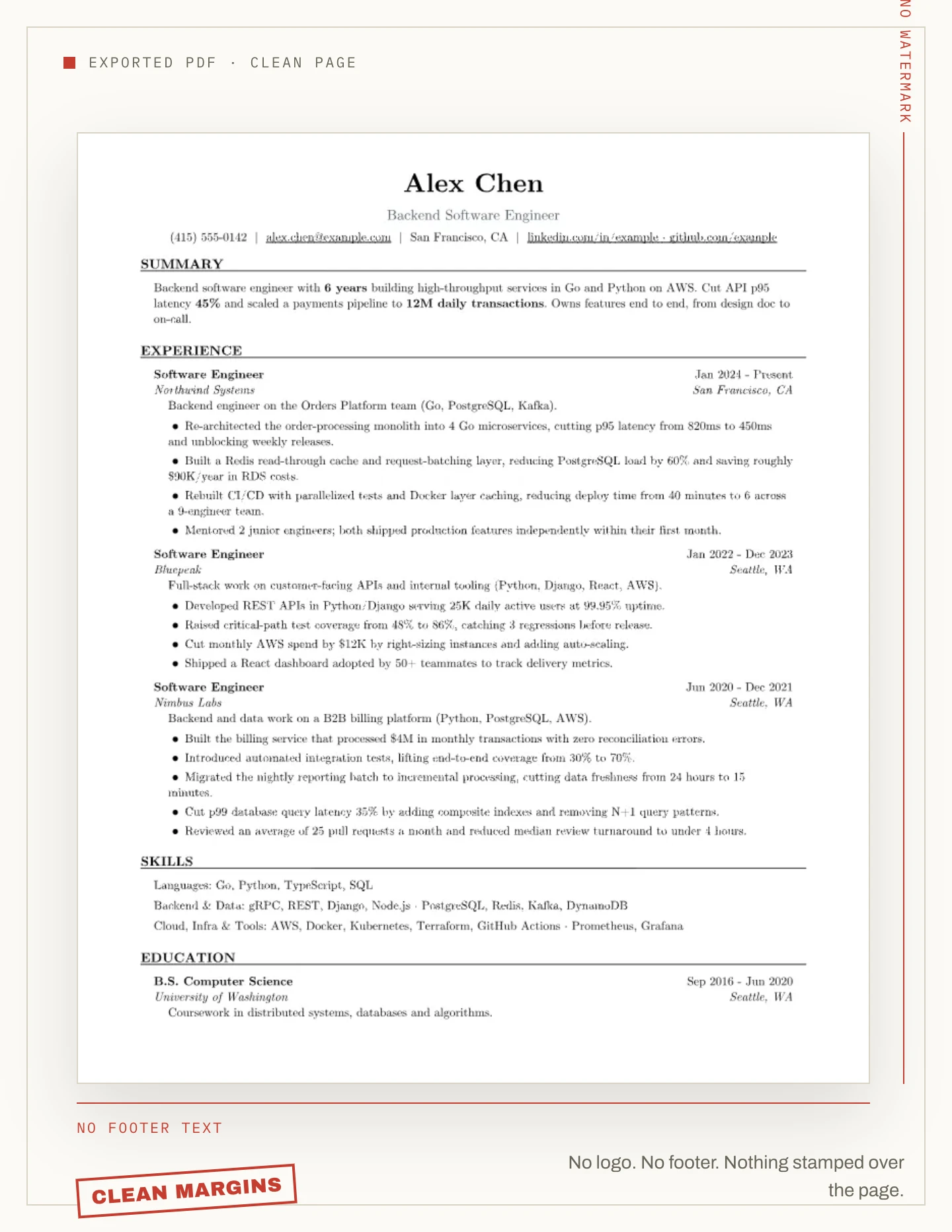
Check before Download
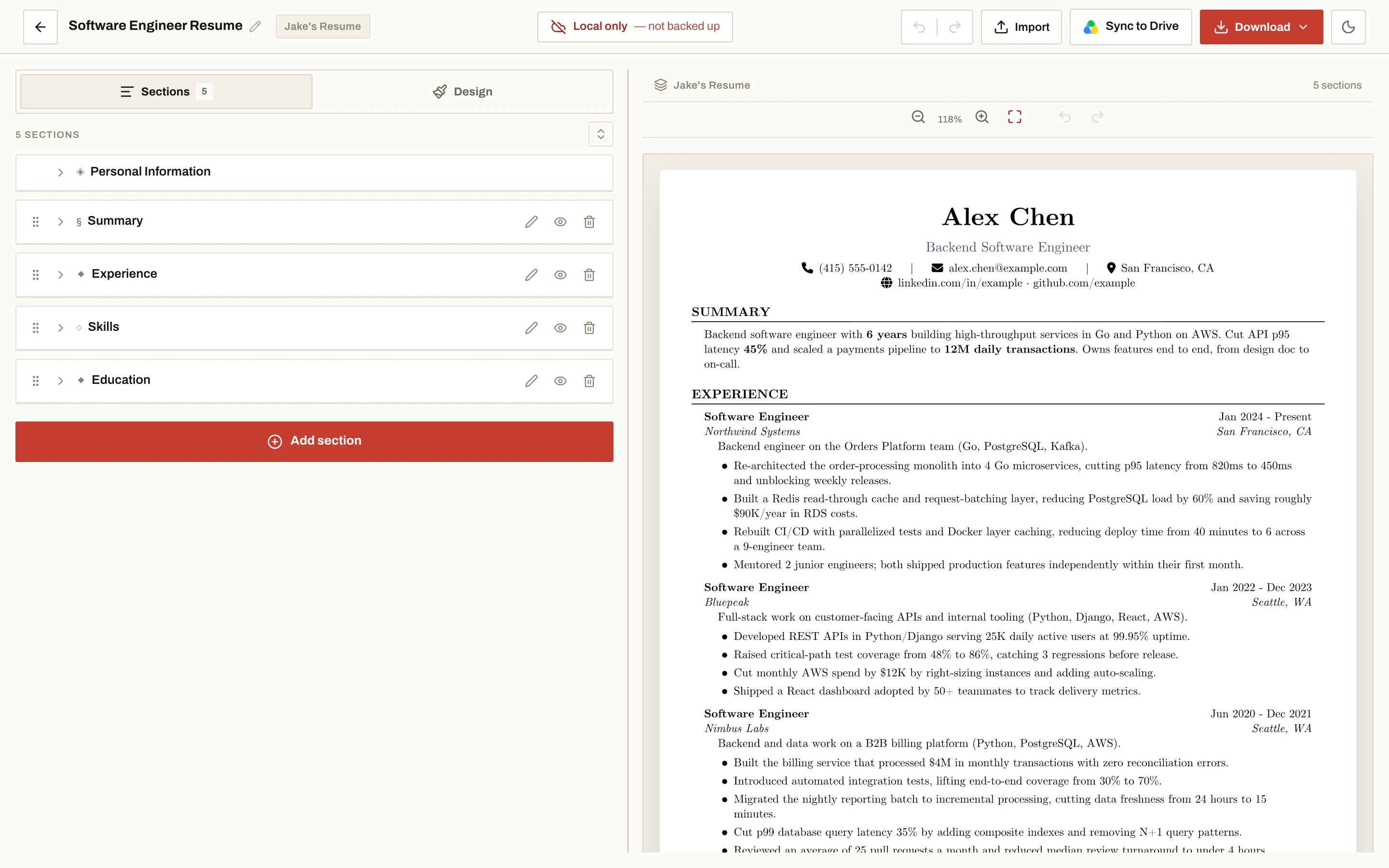
The preview is the PDF
The editor preview uses the same layout as the export. Check the header, footer and page edges before you download; there is no surprise line, logo or watermark added at export time.
Both PDF options are clean. The file formats themselves are covered on the free-download page.
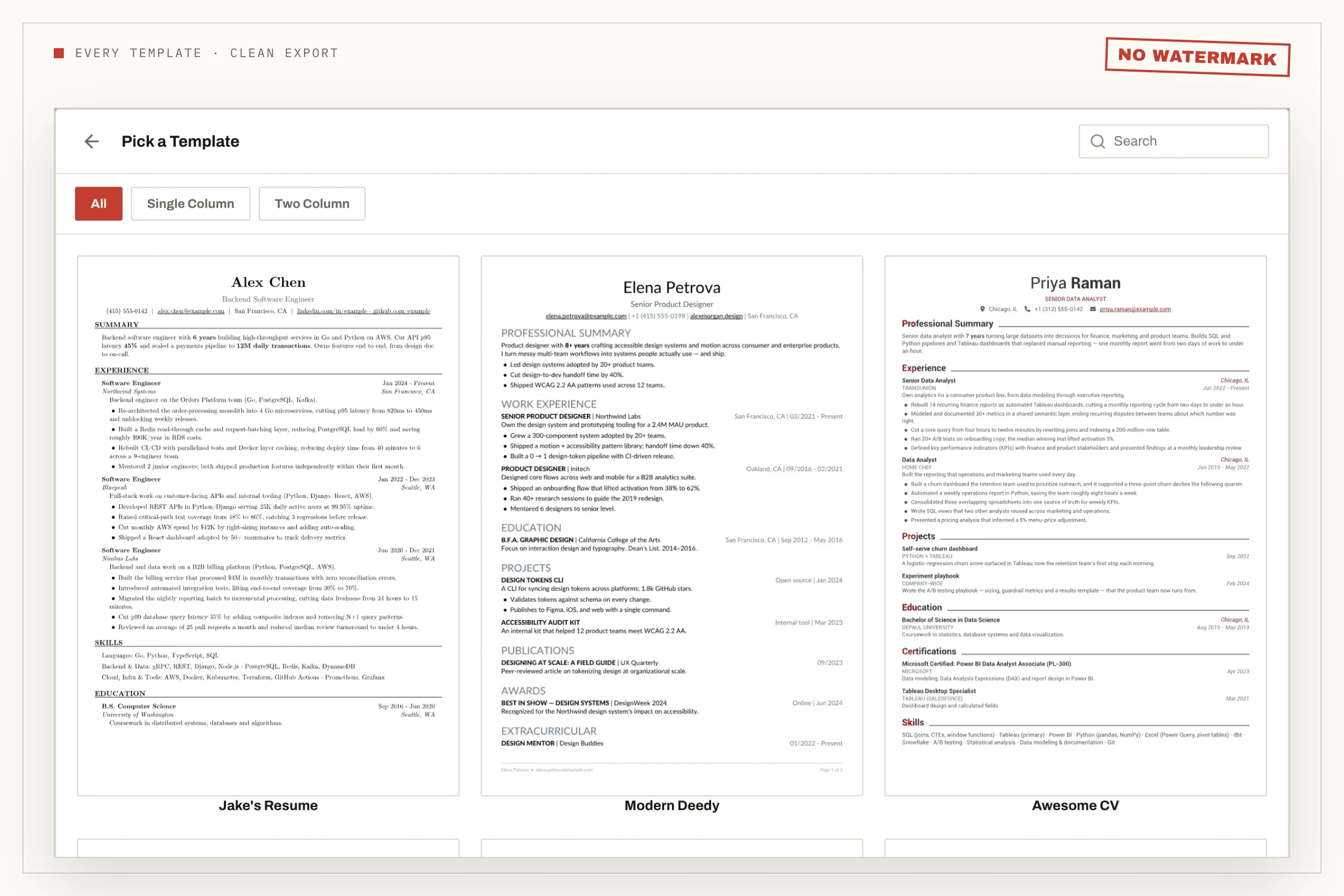
Every layout
Every template exports clean
Single-column and two-column templates, minimal and creative layouts — every template in the picker exports without a watermark. Colour, font and spacing changes are free, and none of them adds branding.
Resume builder watermark — questions
Does NoCapCV add a watermark to my resume?
No. The PDF carries no watermark. What you export is exactly the resume you wrote, with nothing stamped across the page.
Is there any logo, footer text or branding on the PDF?
No. There is no logo in the corner, no footer line, no “made with” text and no page branding anywhere on the page.
Do I have to pay to remove the watermark?
No — there is nothing to remove. NoCapCV never adds a watermark, so there is no paid upgrade needed to get a clean copy.
Do all templates export without a watermark?
Yes. Every template — single column, two column, minimal and creative — exports clean, and the colour, font and spacing options are free.
Can I check for a watermark before I download?
Yes. The preview in the editor uses the same layout as the export, so the header, footer and page edges you see are what the PDF renders.
More features
Other promises NoCapCV keeps
Write it once. Send it everywhere.
Start from a blank page or one of 19 templates. Export as many versions as the search requires.