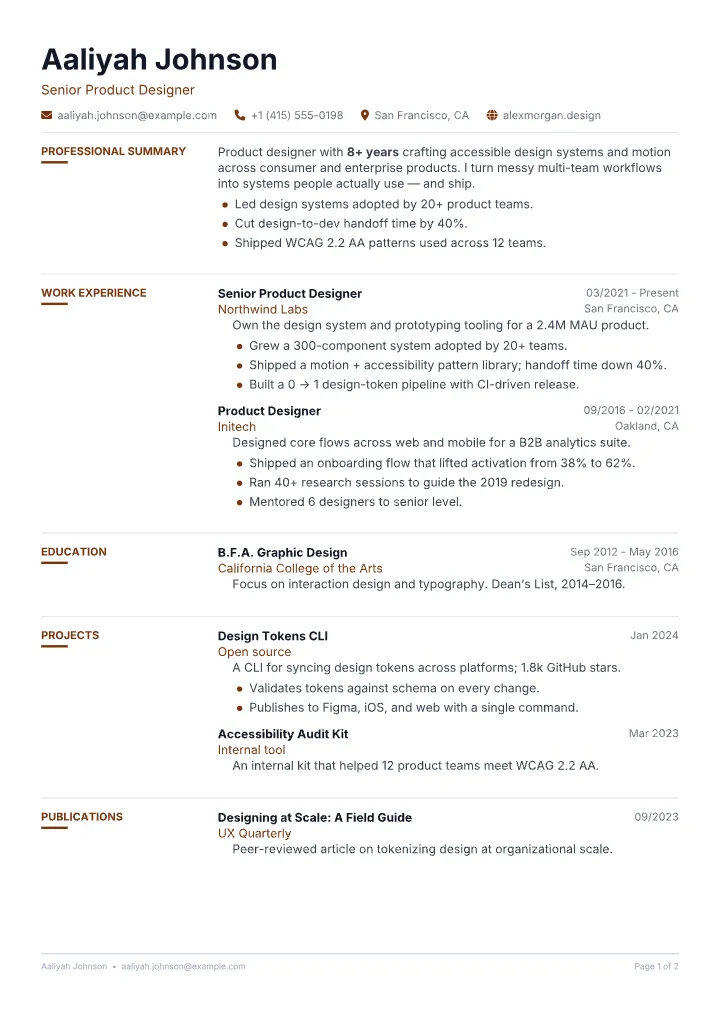
Editorial Resume Template
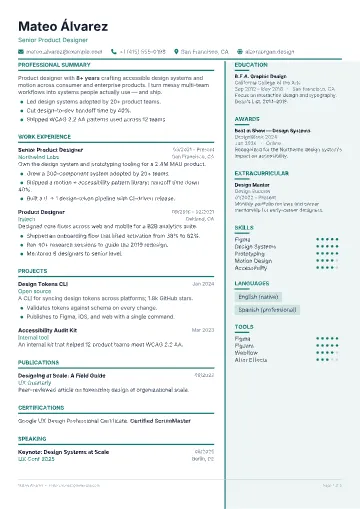
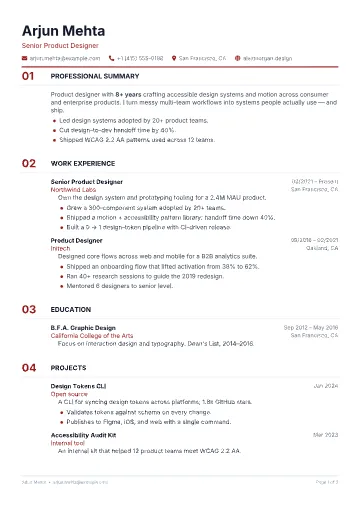
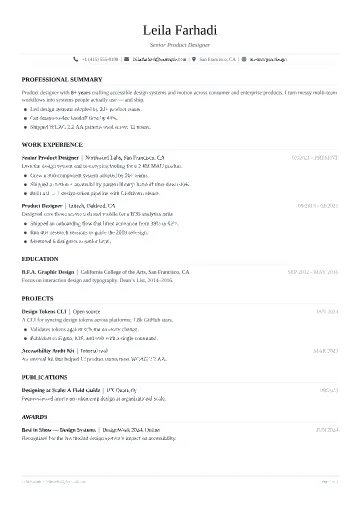
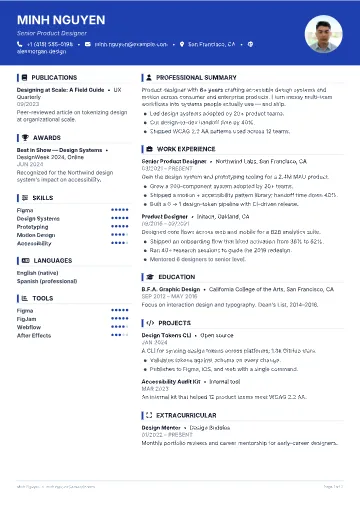
An editorial grid: a narrow left label column holds every section heading, with the content flowing beside it.
Free · No sign-up · No watermarkLedger is built like a well-set document: a full-width hairline, then the section name in a narrow left column with a short accent rule, and the content set in a wide right column.
The label column gives long resumes a strong, calm structure and makes each section easy to find. It suits profiles where the content is dense but ordered.
What you get with Ledger
- Editable in the browser — change the accent colour, font, size, spacing and section order.
- ATS-friendly structure with standard section headings and selectable PDF text.
- Unlimited free PDF exports with no watermark and no sign-up.
- Optional Google Drive sync so you can finish on another device.
Template details
- Layout
- Two column
- Type
- Sans
- Density
- Balanced
- Photo
- Optional
- ATS
- Good
Best for
- Experienced professionals
- Content-heavy resumes
- Candidates who want an editorial look